The map of Claude's memory. Four layers, one scope each, one pattern to decide where to save what.
Stop treating memory as one block. User Preferences, memory_user_edits, userMemories, Project Memory: what lives where, what sees what, and what to do when "Claude forgot".
Buy for €1.99 →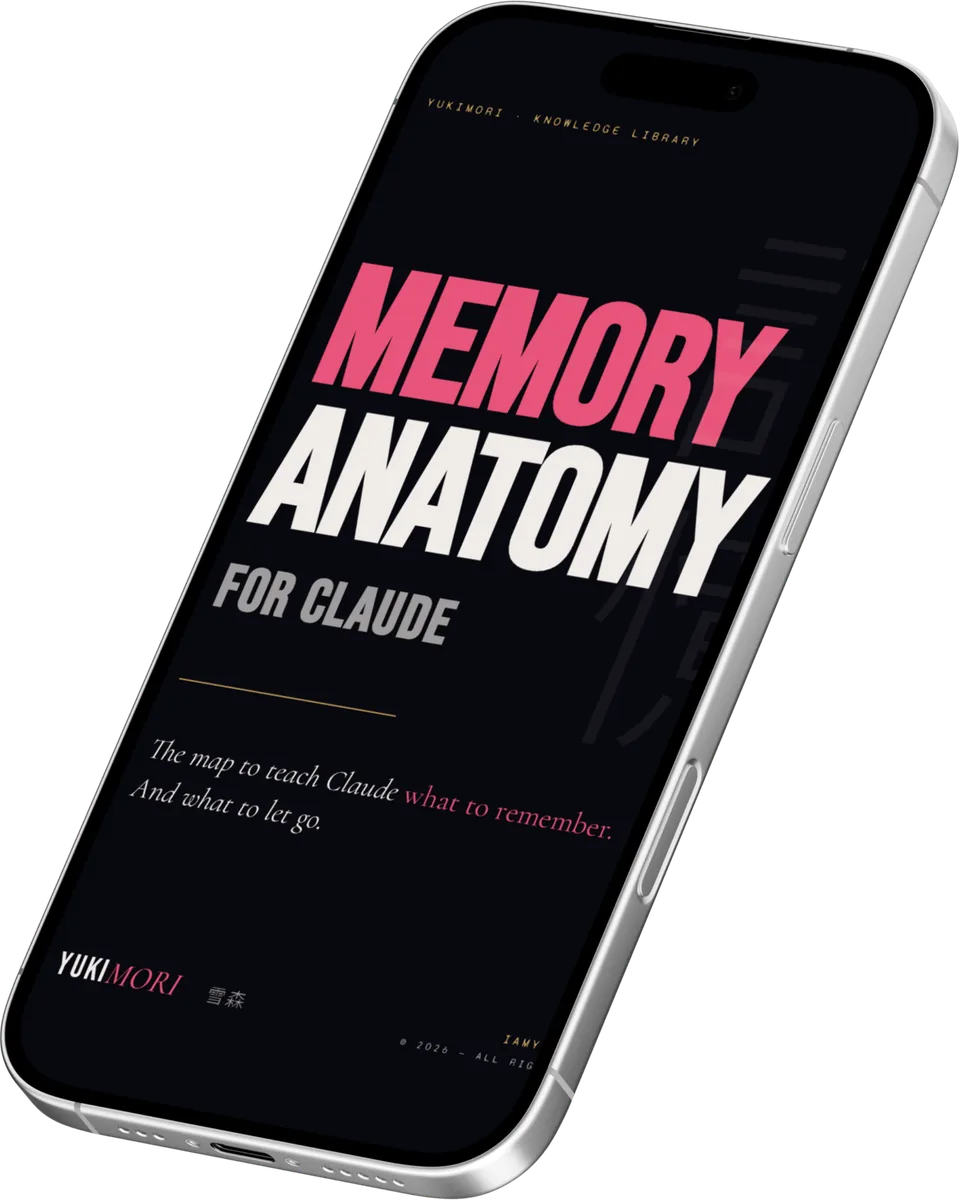
Four memories. One map.
Claude doesn't have a memory. It has four, each with its own scope, each with its own rules. Inside the guide: the full map, the two operating patterns (save and resume), and the diagnostic guide for when something isn't where you thought it was.
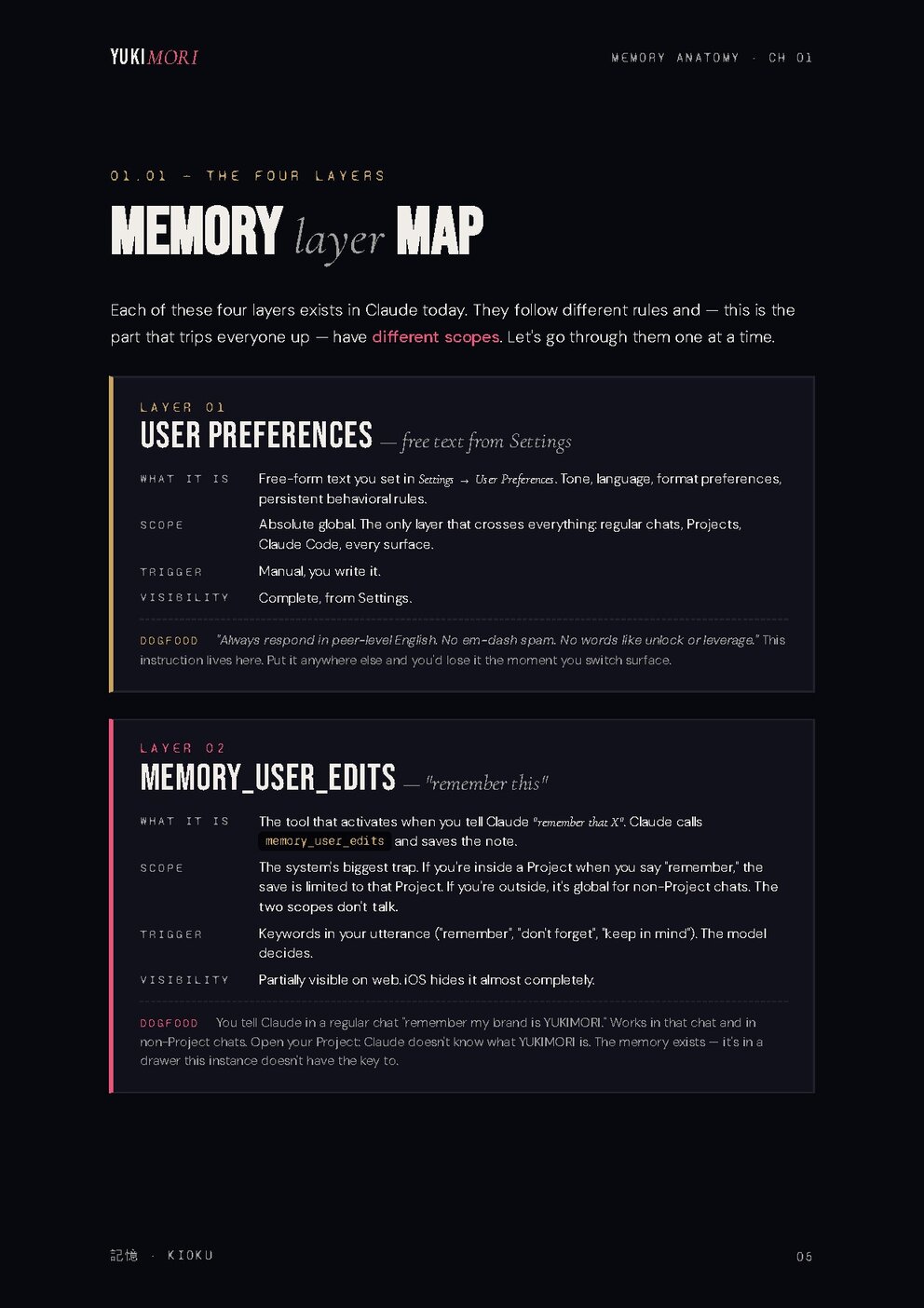
User Preferences
Free-form text from Settings. Absolute global scope: crosses chats, Projects, Claude Code, every surface. The only layer that sees everything.
memory_user_edits
The tool that fires when you tell Claude "remember X". The system's biggest trap: inside a Project it stays in the Project, outside it's global. The two scopes don't talk.
userMemories
Auto-generated summaries built every ~24 hours from your conversations. They give Claude the feel of "remembering" without you saving anything. Same scope trap as Layer 02.
Project Memory
The isolated bundle every Project carries: knowledge files, system prompt, internal memories. Inside it sees everything, outside it sees nothing.
Save
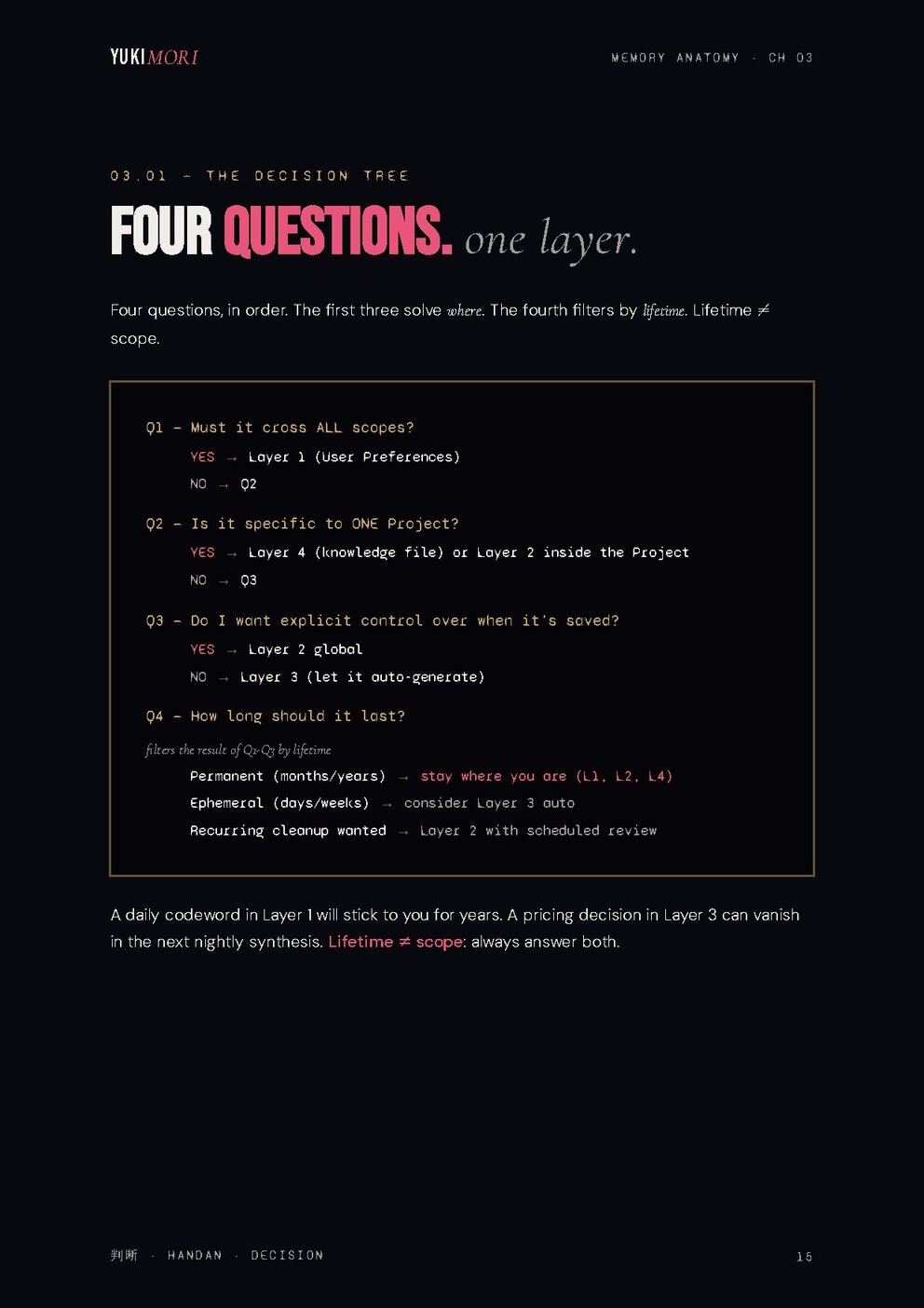
The pattern to decide where to save what, and how to force Claude to save into the right layer instead of trusting the automatic trigger.
Resume
How to reopen a forgotten chat without explaining everything from scratch. The pattern that turns every resumed session into a continuation, not a restart.
"It's not a bug.
— from the guide
Your mental model is."
What changes when memory actually works.
Memory Anatomy explains how Claude remembers. Not in the abstract: what the four real layers of memory are, when each one kicks in, and what you — yes, you — have to do so a useful conversation doesn't die the moment you close it.
The PDF opens by clarifying the scope: Claude's memory isn't a single magic bucket, it's a layered system. User Preferences, memory_user_edits, userMemories, Project Memory — four layers with different rules, updating on different timescales (userMemories, for example, consolidates over roughly twenty-four hours), and each meant for a different kind of use depending on what you're doing. Confusing them is the reason the same question gets incoherent answers from one day to the next.
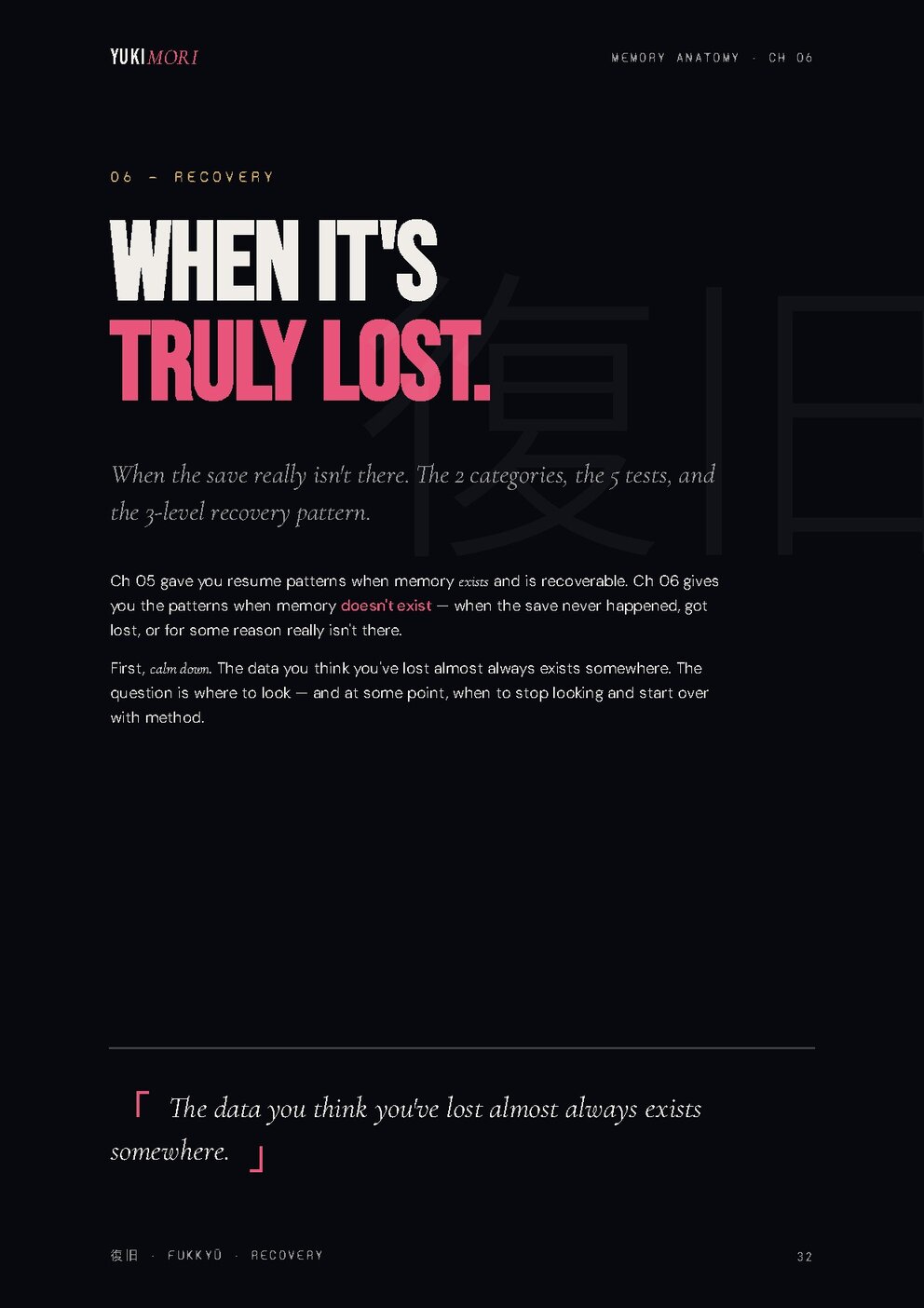
Twelve operational sections cover the full lifecycle of a memory-enabled conversation: when it makes sense to save a fact and when it doesn't, how to structure a project so Claude keeps it coherent across sessions, how to resume work after days without re-explaining everything, and how to recover when something in the context has been corrupted or dropped. Every section comes with practical examples and the prompt pattern that actually works, not just the theory.
The book is written for people who already use Claude as a working tool and have stopped treating it as a one-off answer engine. If you're building something — an editorial project, a codebase, a long-running piece of research — this PDF gives you the mental model to make Claude collaborate with you for real, instead of starting from scratch every morning.
Forty-six pages, operational tone, zero theory you can't apply. The chapter you'll read twice is the one on project structure: everything else follows from there.
Honest about who this is for.
- You use Claude in Projects, Claude Code or regular chats and at least once you've said "but I saved this".
- You juggle multiple contexts (work, personal, client A, client B) and you need clean boundaries.
- You want to understand why Claude "doesn't know" something you thought it did.
- You prefer a correct mental model over a trick that works once.
- You use Claude once in a while for one-off questions and don't save anything.
- You want to "hack the memory" or get around the rules. This is the real architecture, not a trick.
- You want step-by-step video tutorials — this is a workbook, you read and apply.
- You've never opened a Project and you don't plan to.
Four pages, no pitch.
Best way to know if it's for you is to look inside. Real pages from the PDF, as they are.

These are 4 of the 46 pages.